
AI social media.
From first idea
to your next post.
Create images, carousels, posters, thumbnails and product videos. Bring your brand, templates, planning and team together in MagnutAI.
Create a single asset. Build a complete campaign. Make the workflow yours.
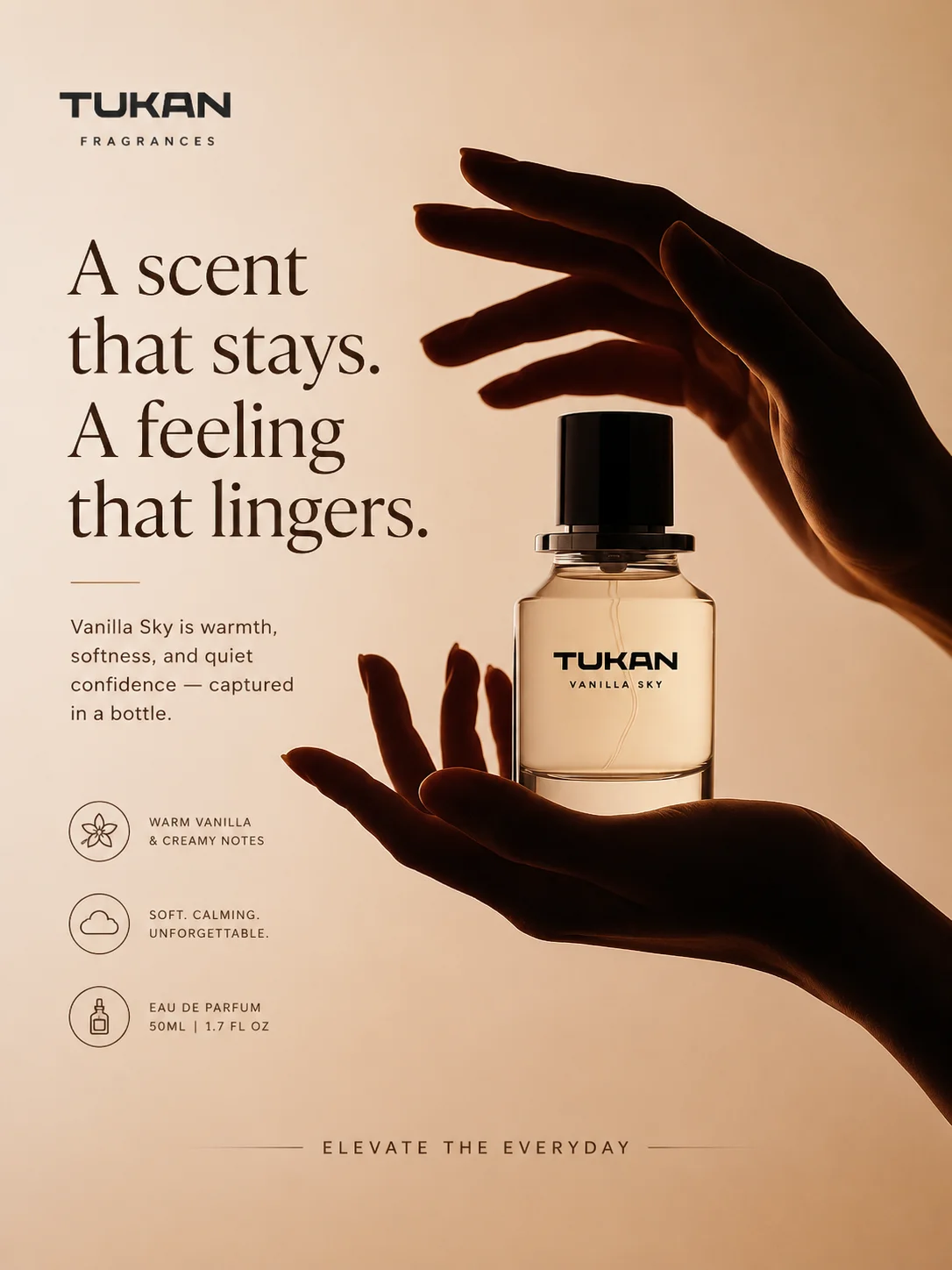
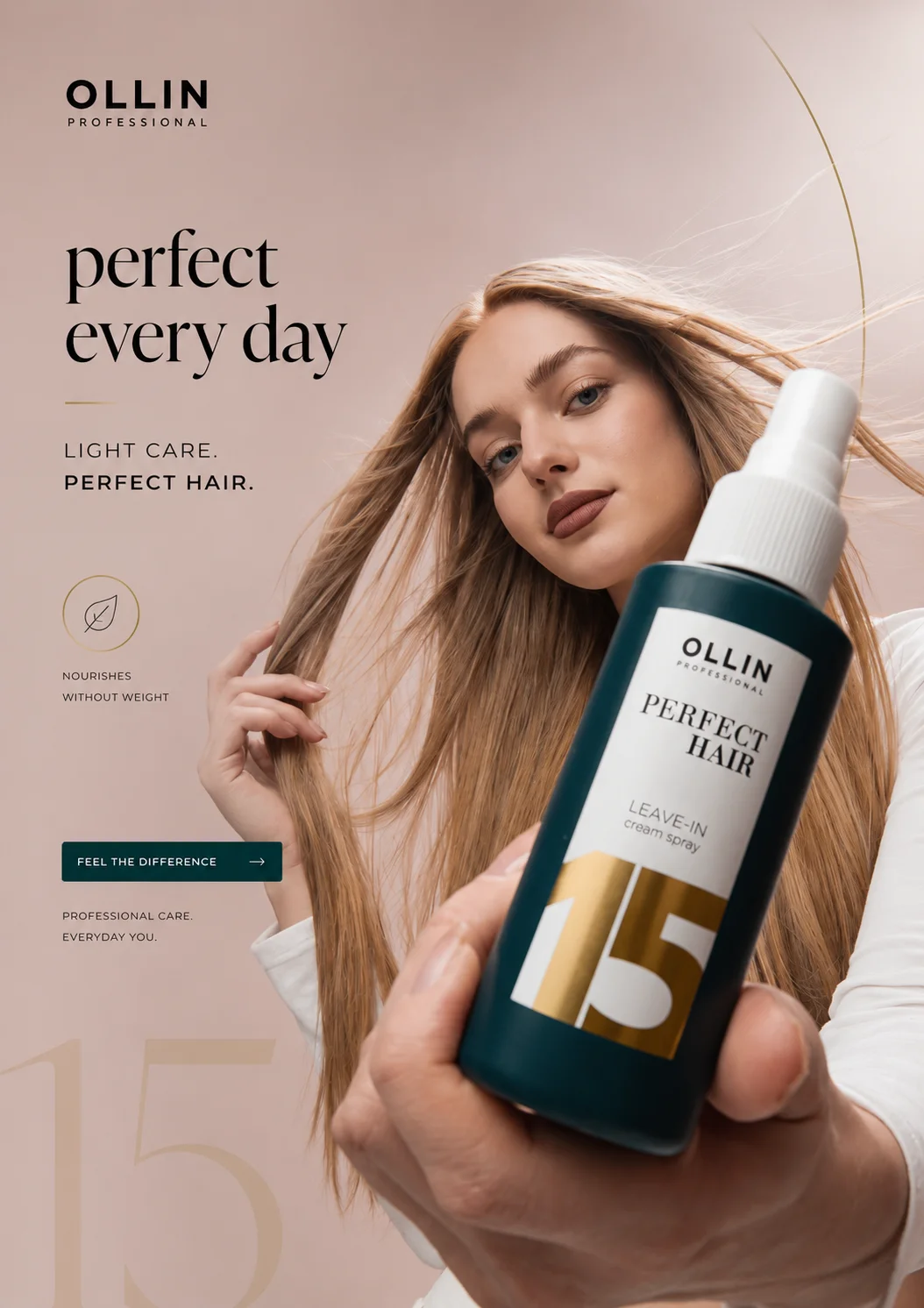

Creative examples from the supplied MagnutAI showcase library. Displayed brands are illustrative examples, not customer endorsements or measured campaign results.
Your idea deserves
the right format.
MagnutAI is an AI social media platform with creative tools, brand planning, campaign collaboration and publishing workflows in one place.
Start with a prompt when the direction is open. Choose a template when you want a structure. Bring a product reference when the details matter. Studio works independently, so you can create the asset you need without building a full campaign first.
Explore Plan, Studio and Publish →A creative tool for
every part of the story.
AI Image Generator for Social Media
Create marketing images from text prompts, references and brand context. Explore MagnutAI image generation, aspect ratios, variations and export workflows.
Explore CreateReady-to-Use AI Social Media Templates
Explore MagnutAI creative templates for promotional posts, education, offers and product highlights, with searchable categories and guided customization.
Explore CreateAI Product Photoshoot for Ecommerce
Create product-focused scenes with MagnutAI AI Photoshoot. Explore reference uploads, scene templates, variations and a practical product accuracy checklist.
Explore CreateAI Carousel Generator for Social Media
Turn an idea into a slide sequence with MagnutAI Carousel Studio. Explore topic inputs, templates, color choices, calls to action and slide export workflows.
Explore CreateAI YouTube Thumbnail Generator
Develop video thumbnail concepts with MagnutAI Thumbnail Studio. Explore topic briefs, visual direction, reference images and readable thumbnail variations.
Explore CreateAI Video Ad Generator from Product Images
Explore MagnutAI Video Ads for image-to-video product creative. Define a brief, reference image, aspect ratio and motion before reviewing the generated clip.
ExploreA starting point.
With room for you.
Promotions, product highlights, announcements, educational posts and more. Find a format by category or search, preview the direction and fill in the details that make it your brand’s message.
Save useful templates for your next series. Change the story, keep the structure and give every post a reason to exist.
Something new.
A clear next step.
Your headline · Your details · Your brand
One useful idea.
Room to explain it.
A question · An explanation · A takeaway
Make the detail
the main event.
A reference · A benefit · A visual direction
Illustrative content structures, not screenshots of live templates.
Less repeated setup.
More connected work.
AI social media automation starts with a process worth repeating. Keep your brand context close, give the creative a purpose and make the next decision visible.
- 01
Start with your brand
Bring together identity, voice, audience and approved facts. Review the context once, then keep it useful as the business changes.
Brand Kit → - 02
Find the useful idea
Use research, strategy and the marketing assistant to develop themes that answer real audience questions.
Strategy & planning → - 03
Create with a clear brief
Choose the right Studio tool, generate a direction and refine the selected assets before they enter the calendar.
AI content creation → - 04
Review, organize and learn
Keep feedback connected to the current version, check publishing details and use available performance data to inform the next plan.
Explore the workflow →
Good creative needs
a clear handoff.
A designer, a client and a publisher need different information. Keep the right brand, asset and decision connected as the work moves forward.
Multi-Brand Workspaces & Team Permissions
Organize brands and collaborators with MagnutAI workspaces. Explore role-based access, client separation and practical team handoffs for social content.
Explore CollaborateSocial Media Approval & Client Review
Explore MagnutAI campaign review links, comments, revisions and approval roles. Keep client feedback connected to the campaign your team is preparing.
Explore CollaborateCreative Library, History & Remix
Keep useful creative work easy to revisit with MagnutAI projects and generation history. Review, download and remix assets without losing the original direction.
ExploreA plan for the post.
A reason for the next one.
Organize content in the calendar, check supported connected accounts and verify the publishing outcome. Then look at the available post and campaign data to decide what deserves another iteration.
Scheduling and analytics depend on the network, account permissions and available product settings. Evaluate the exact channel and format you use.
What did the audience
need to know?
- Plan
- A question worth answering
- Create
- The right format for the explanation
- Review
- An accurate, approved version
- Learn
- A useful observation for next time
Choose with a real brief.
Evaluate the outputs, corrections and handoffs your team actually needs. Our comparison guides explain their sources and give you a practical pilot to run.
Make the first plan here.
Build a calendar or write a campaign brief, then download it. These local planning tools organize your work; AI generation and connected-account publishing happen in the MagnutAI product.
Before you get started.
What can I create with MagnutAI?
Explore AI image generation, creative templates, product photoshoots, carousels, posters, thumbnails, image enhancement and video-ad generation. Studio supports independent creative work as well as assets for a broader campaign.
How does MagnutAI help automate social media work?
MagnutAI connects reusable brand context, planning, creative generation, review and publishing-related workflows. Your team chooses the process, reviews the output and verifies the publishing result.
Can I start from a ready-made template?
Yes. The product library includes searchable creative templates, category and tag filters, previews, saved items and guided generation inputs.
Do I need a campaign to make one image?
No. Studio tools can be used independently. Bring brand context into the request when it is relevant.
Is the content site the same as the application?
This site explains MagnutAI and provides guides and local planning resources. Explore MagnutAI links take you to the main product for account-based generation and publishing workflows.
Where can I check pricing and integrations?
Use the main product site for current plans, credits and available account connections. Verify the specific format and workflow you need.
What will you create next?
Explore the creative tools, templates and workflows that fit your next idea.